Solid State Drives
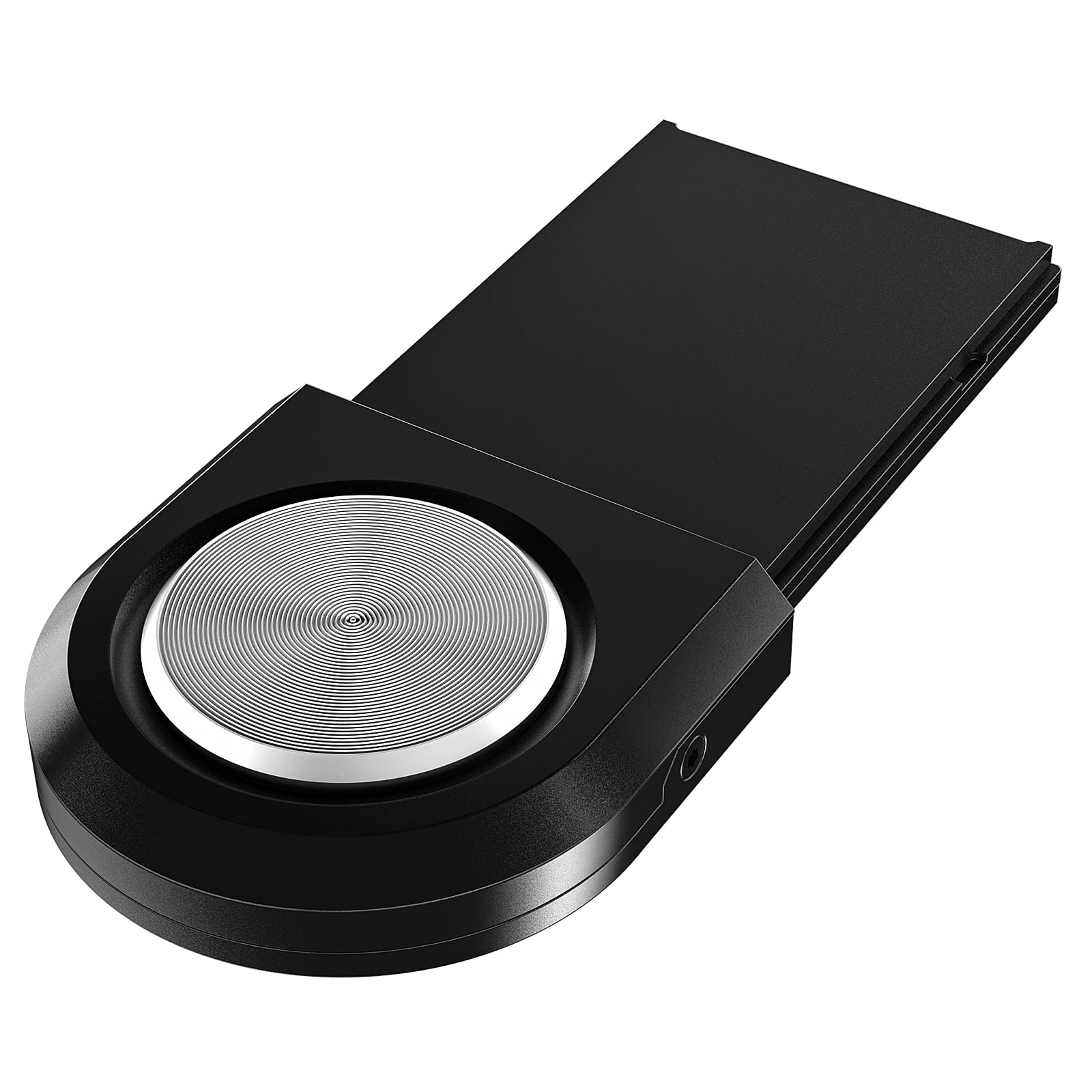
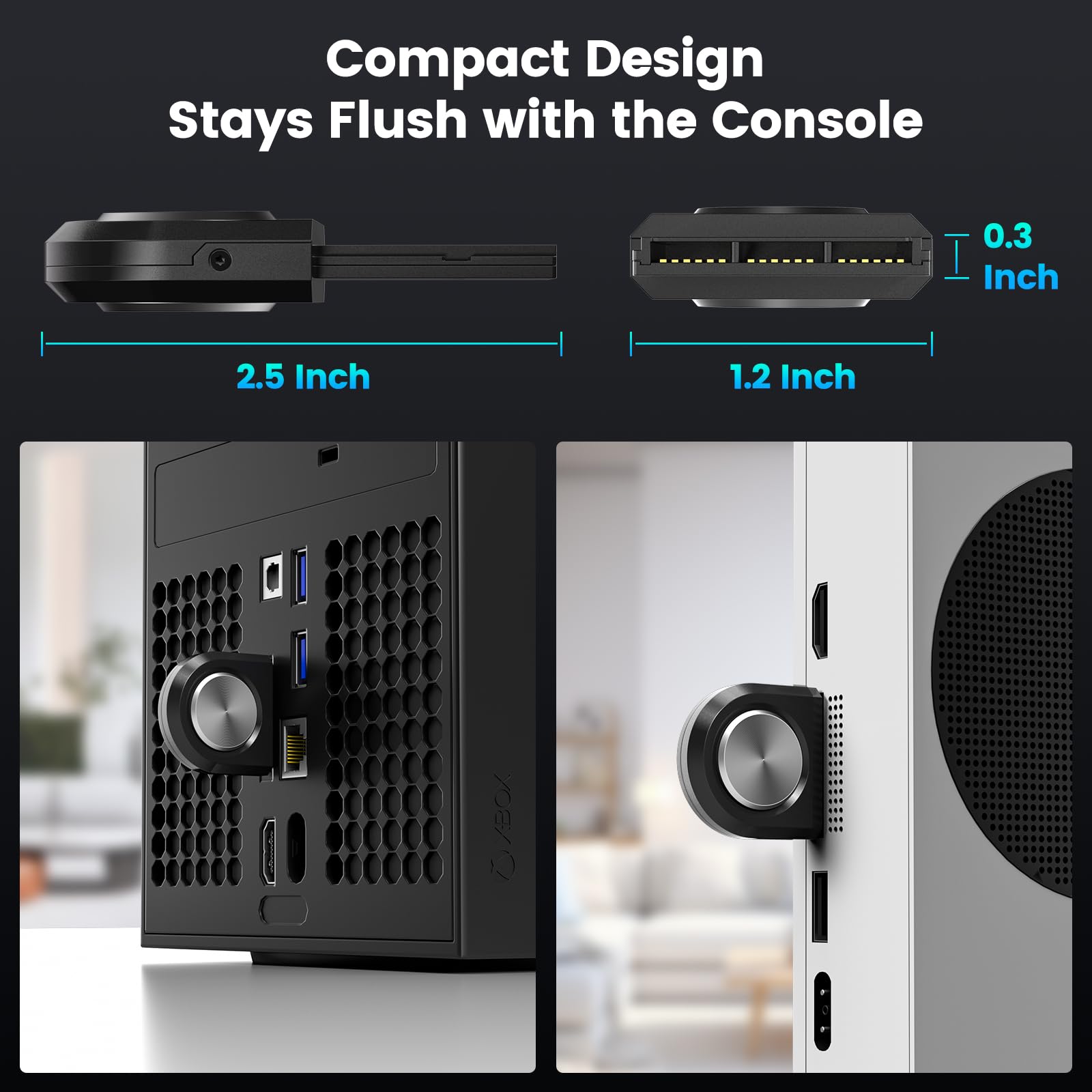
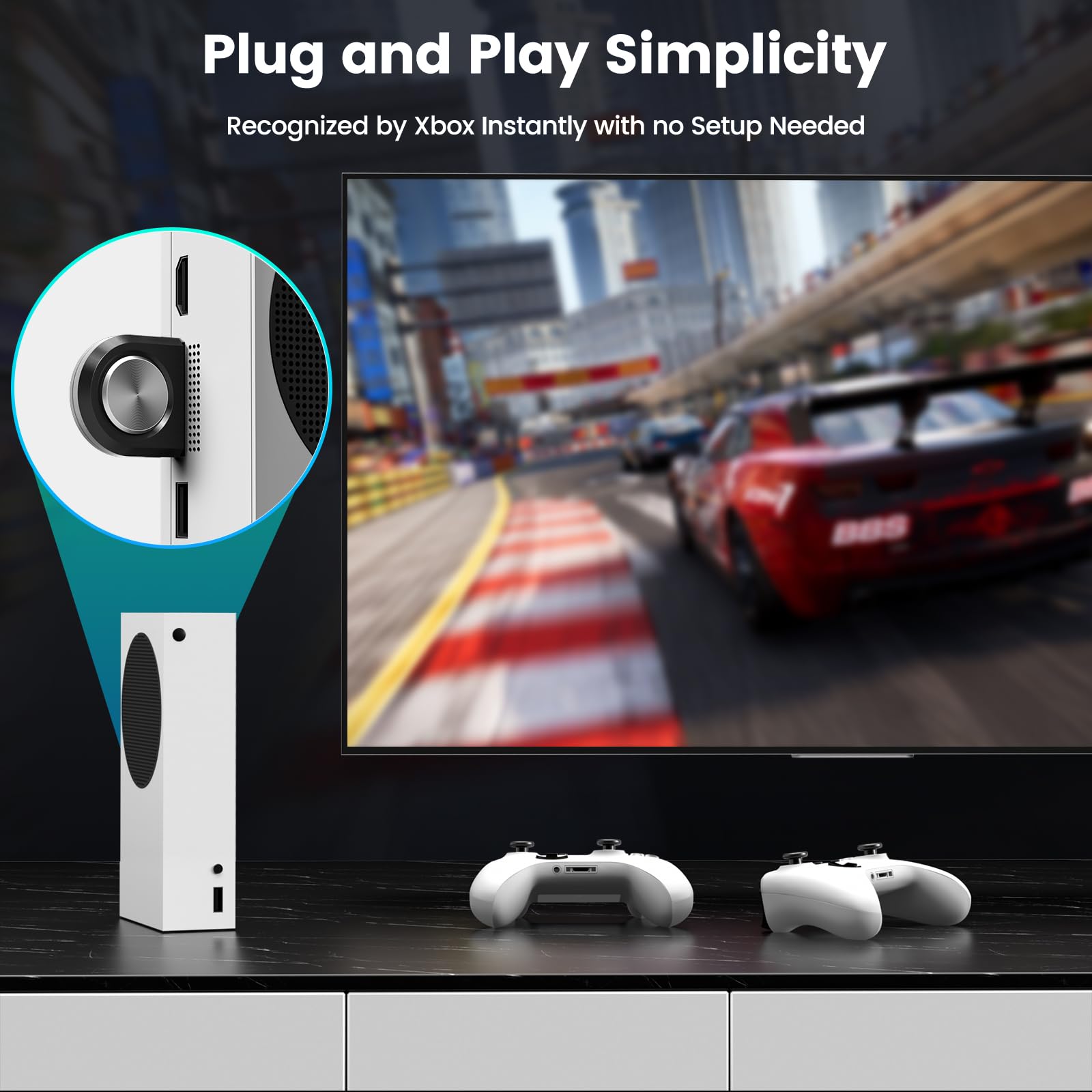
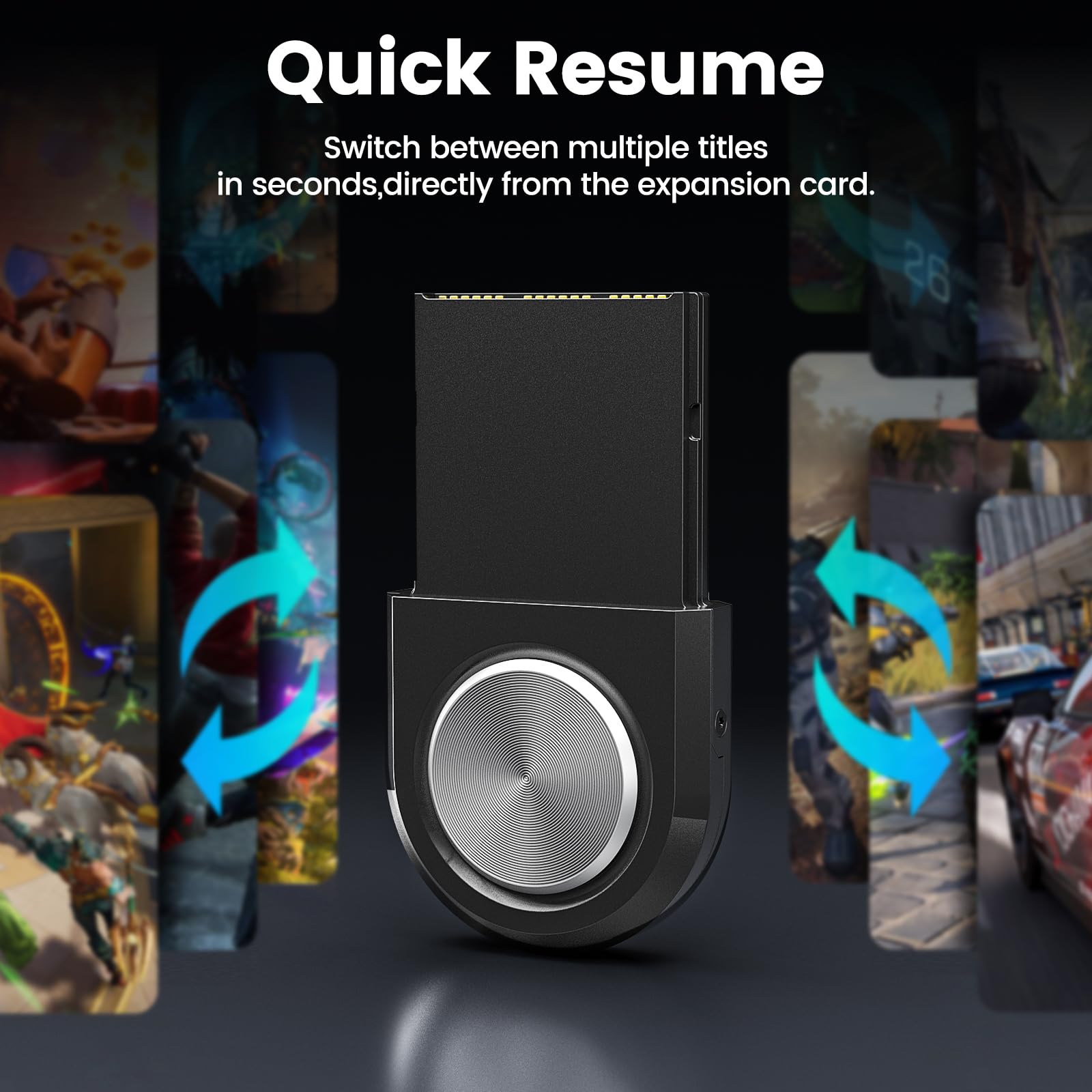
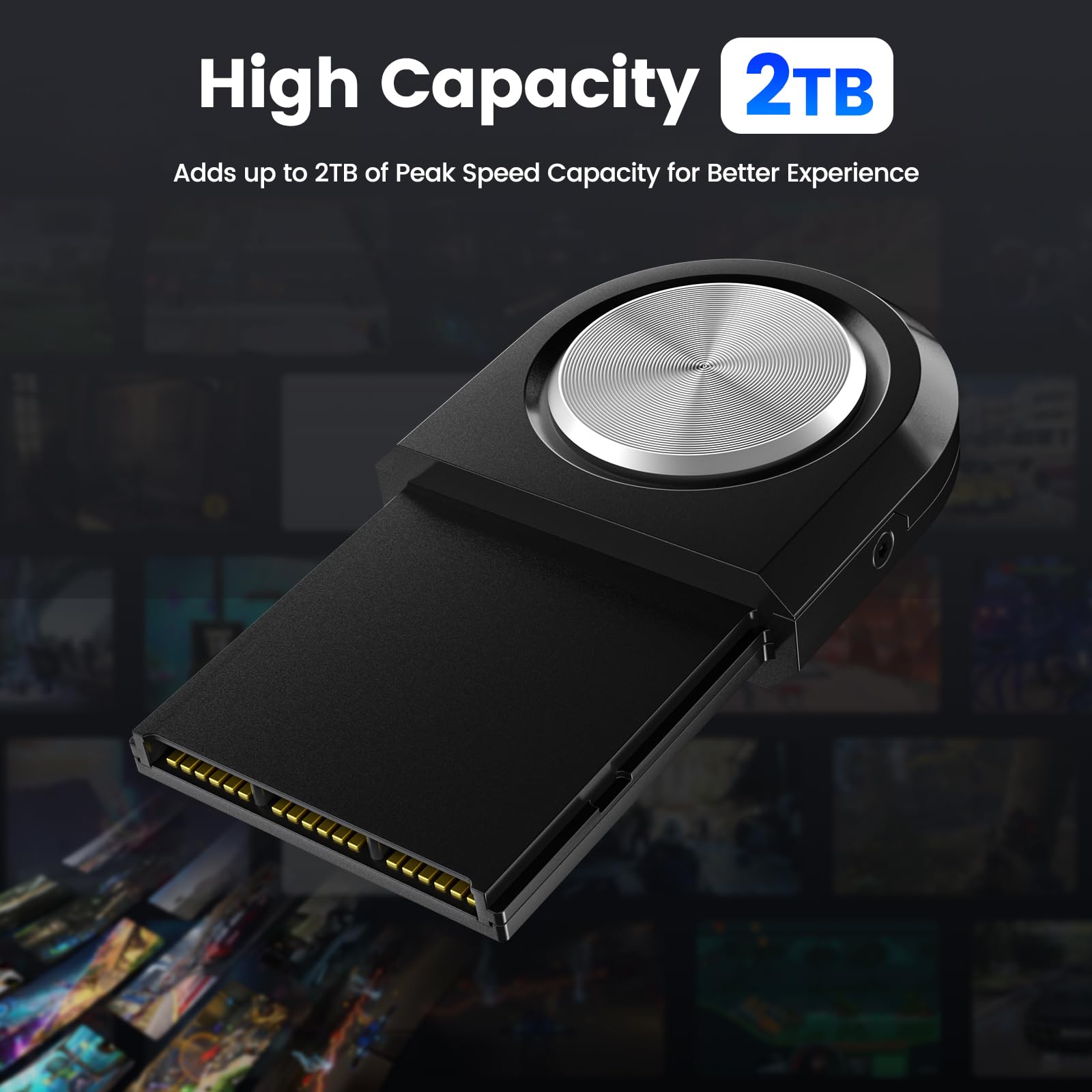
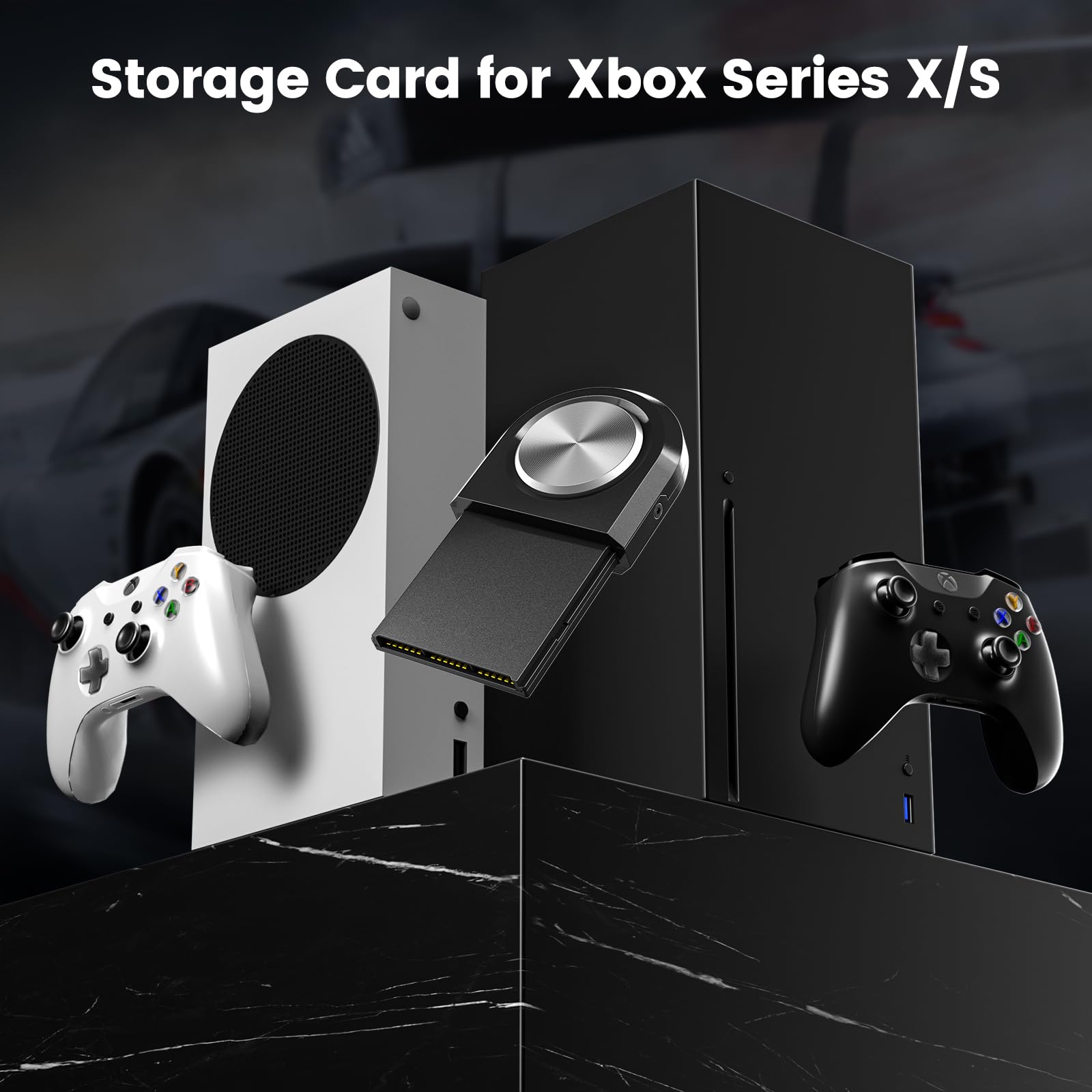
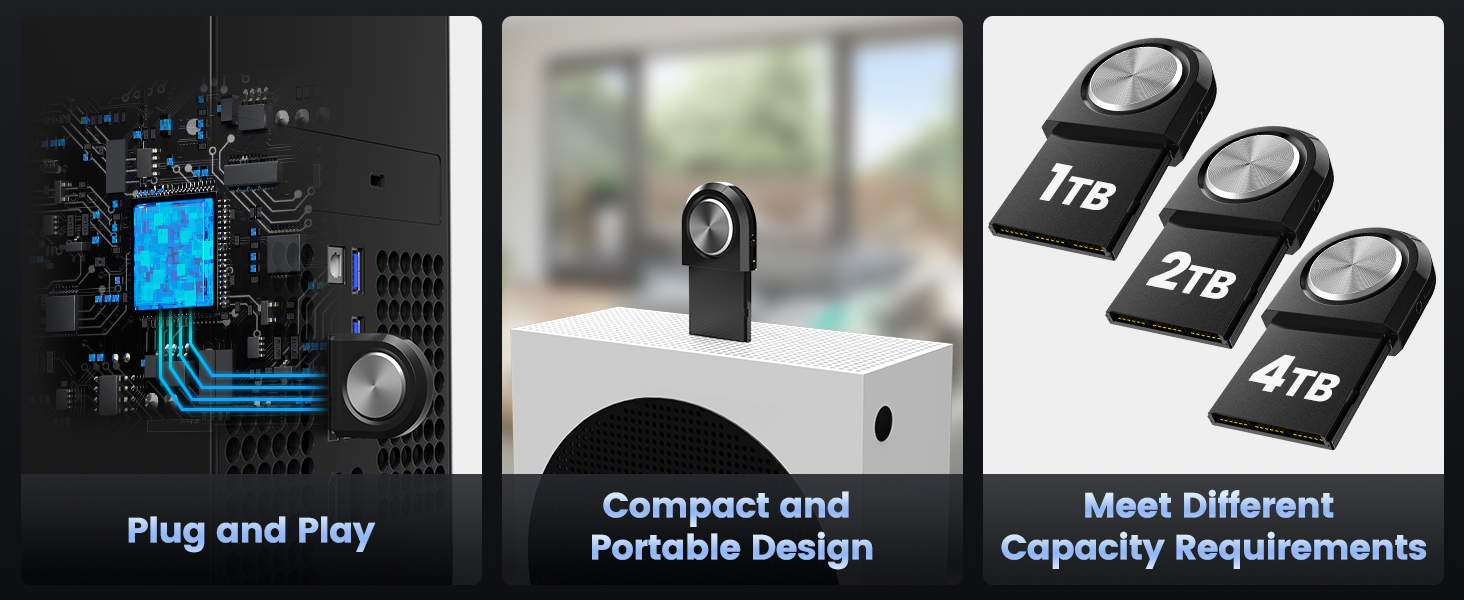
INDMEM Storage Expansion Card for Xbox Series X/S, 1TB/2TB NVMe SSD Storage Expansion Card Solid State Drive,Quick Resume,Play Game in Seconds
- Compatible Devices:Gaming Console
- Connectivity Technology:USB
- Additional Features:Hot Swappable, Portable
- Compatible Video Game Console Models::Microsoft Xbox SERIES S, Microsoft Xbox SERIES X
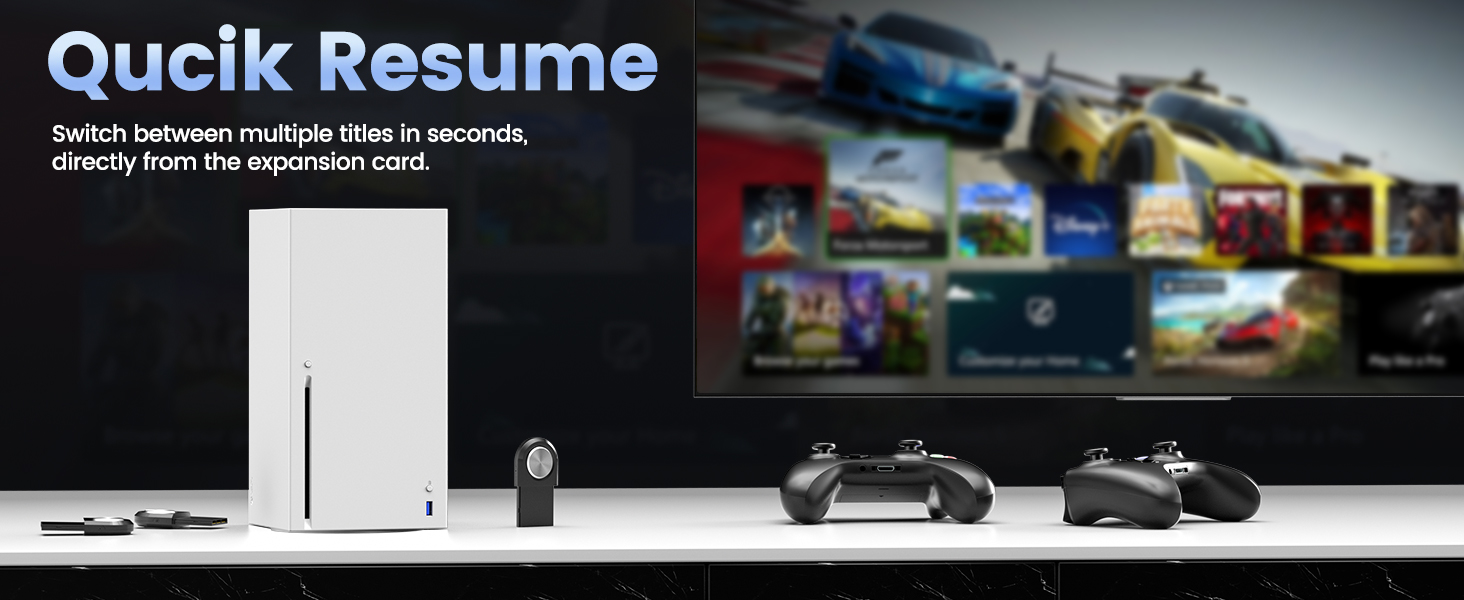
- Product description: The INDMEM Storage Expansion Card for Xbox Series X delivers additional external memory while maintaining the same peak speed and performance as the console's
Product information
Features & Specs:
| Compatible Devices | Gaming Console |
|---|---|
| Connectivity Technology | USB |
| Additional Features | Hot Swappable, Portable |
| Hardware Platform | Gaming Console |
| Compatible Video Game Console Models | Microsoft Xbox SERIES S, Microsoft Xbox SERIES X |
Measurements:
| Item Weight | 25 g |
|---|---|
| Item Dimensions |
3 x 1.3 x 0.3 inches |
Additional details
| Color |
1TB/2TB |
|---|
| Brand Name | INDMEM |
|---|---|
| Model Name | xbox storage card-1TB |
| Warranty Description | 3 Year |
| Manufacturer | INDMEM |
| Model Number | xbox storage card-1TB |
| Included Components | No |
Product description
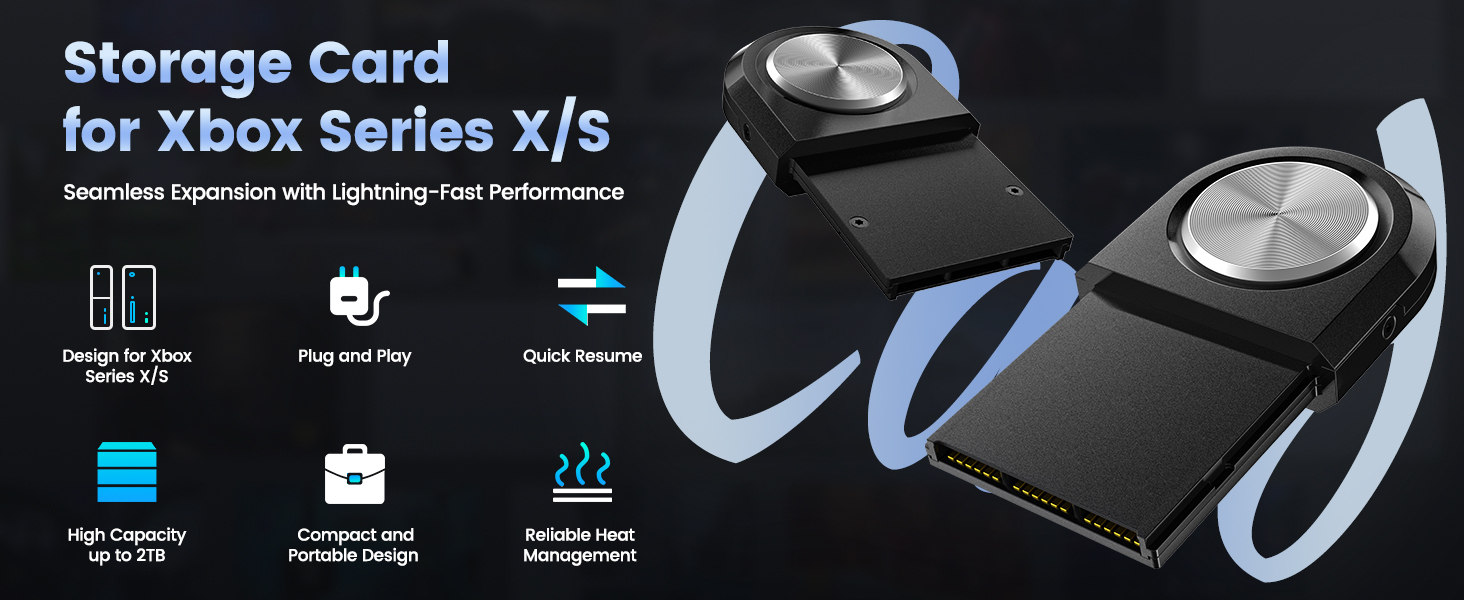

Answer & Question
Q1: What's the difference between a dedicated expansion card and a regular USB external hard drive?
A1: A dedicated expansion card can directly run next-generation games, with performance identical to an internal hard drive. A regular USB hard drive is typically only used to store next-generation games; they need to be copied to the console before running.
Q2: Is the performance speed of the expansion card the same as the internal hard drive?
A2: Yes. The expansion card offers read speeds that are the same as or very close to those of an internal SSD, resulting in equally smooth game loading and running. Write speeds may even be faster than an internal hard drive.
Kindly Note before Using:
- 1. Install after the console is powered off. Formatting is required after the system recognizes the card before use.
- 2. Hot-swapping is supported, but it is recommended to close any running games first.
- 3. If the expansion card is not recognized, try unplugging and replugging it (wait 30 seconds) or restarting the console.
 Send Email
 JCcms
JCcms JCcms
JCcms