Technological Innovation
UHS-I vs UHS-II Explained: What's the Difference and Which One Do You Need?
UHS-I vs UHS-II Explained: What's the Difference and Which One Do You Need?
Understanding SD Card Bus Interfaces and Real-World Performance
Category: Storage Guides
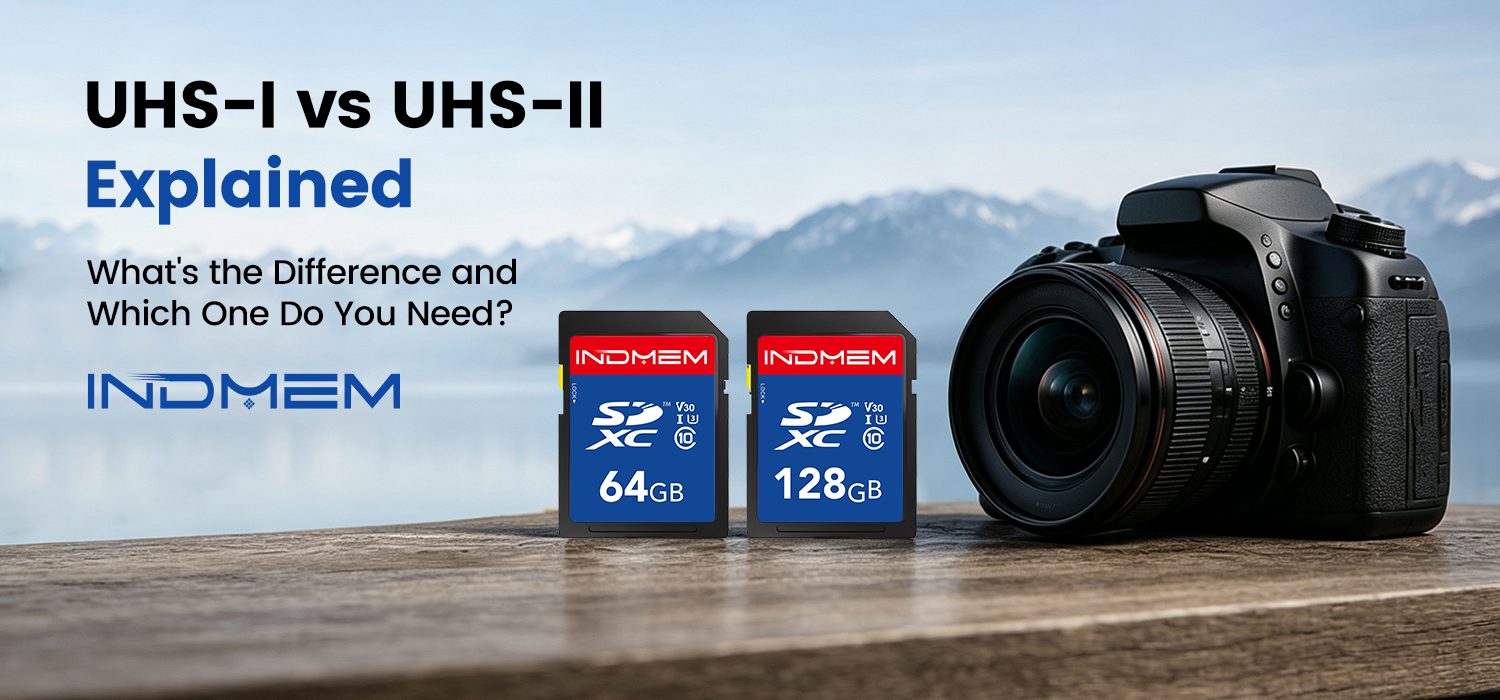
Why Are Some SD Cards Faster Than Others?
If you've been shopping for SD cards, you've probably come across terms like UHS-I and UHS-II.
At first glance, two memory cards may look almost identical. They may even have the same storage capacity and speed class ratings such as U3 or V30.
However, the difference between UHS-I and UHS-II can significantly affect file transfer performance, especially when working with large photos, 4K videos, or high-speed burst shooting.
Understanding how these standards work can help you choose a memory card that matches your camera, workflow, and budget.
What Does UHS Mean?
UHS stands for Ultra High Speed.
It is a bus interface standard developed by the SD Association to increase the data transfer speed between memory cards and compatible devices.
The two most common standards available today are:
- UHS-I
- UHS-II
While both can support modern photography and video applications, they differ in their maximum transfer speeds and hardware design.
UHS-I Explained
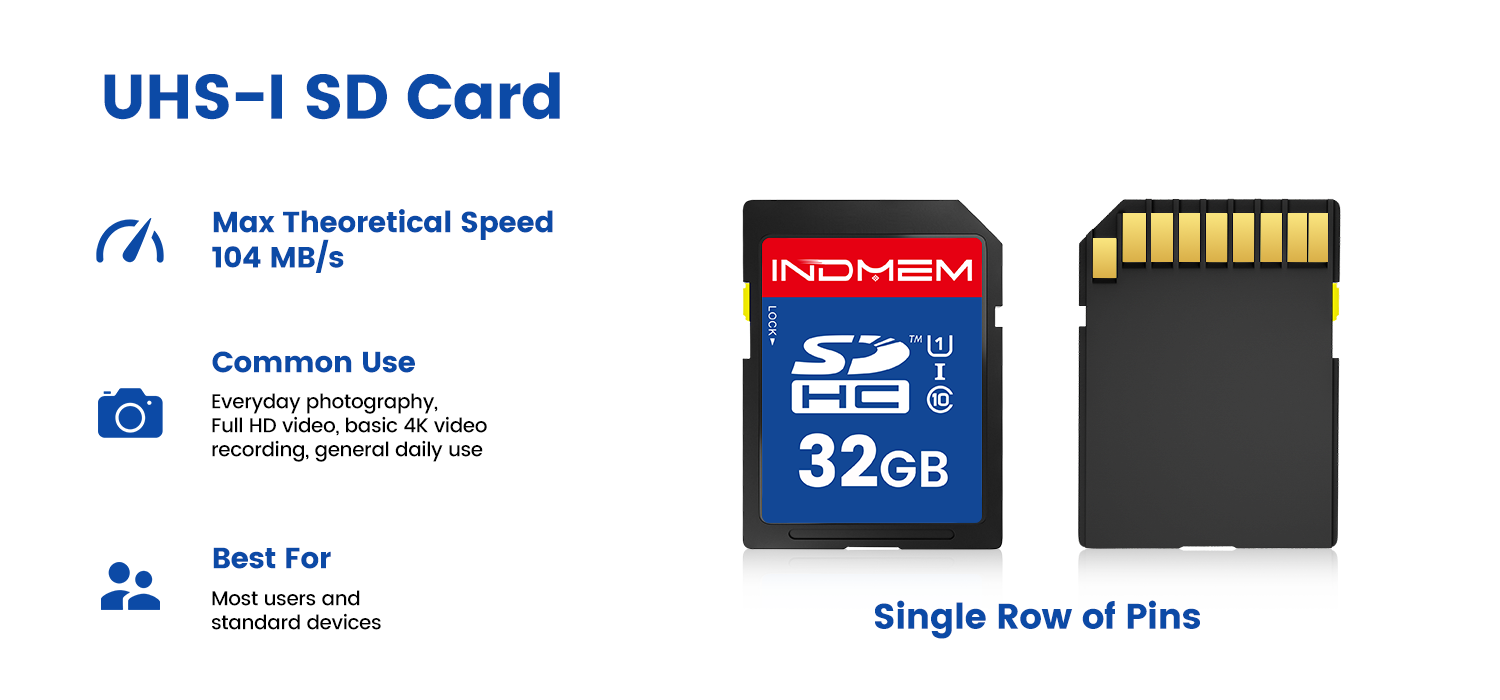
UHS-I is currently the most widely used SD card interface.
Maximum Theoretical Speed
- Up to 104 MB/s
Typical Applications
- Full HD video recording
- Most consumer cameras
- Drones
- Dash cameras
- Everyday storage
For many users, a high-quality UHS-I card provides enough performance for daily photography and video recording.
UHS-II Explained
One of the easiest ways to identify a UHS-II card is by looking at the back.
Unlike UHS-I cards, UHS-II cards include a second row of connector pins.
Maximum Theoretical Speed
- Up to 312 MB/s
Common Applications
- Professional photography
- Continuous burst shooting
- 4K and higher bitrate video recording
- Large RAW image workflows
The additional connector row allows compatible devices to transfer data much faster than UHS-I.
Visual Difference: UHS-I vs UHS-II
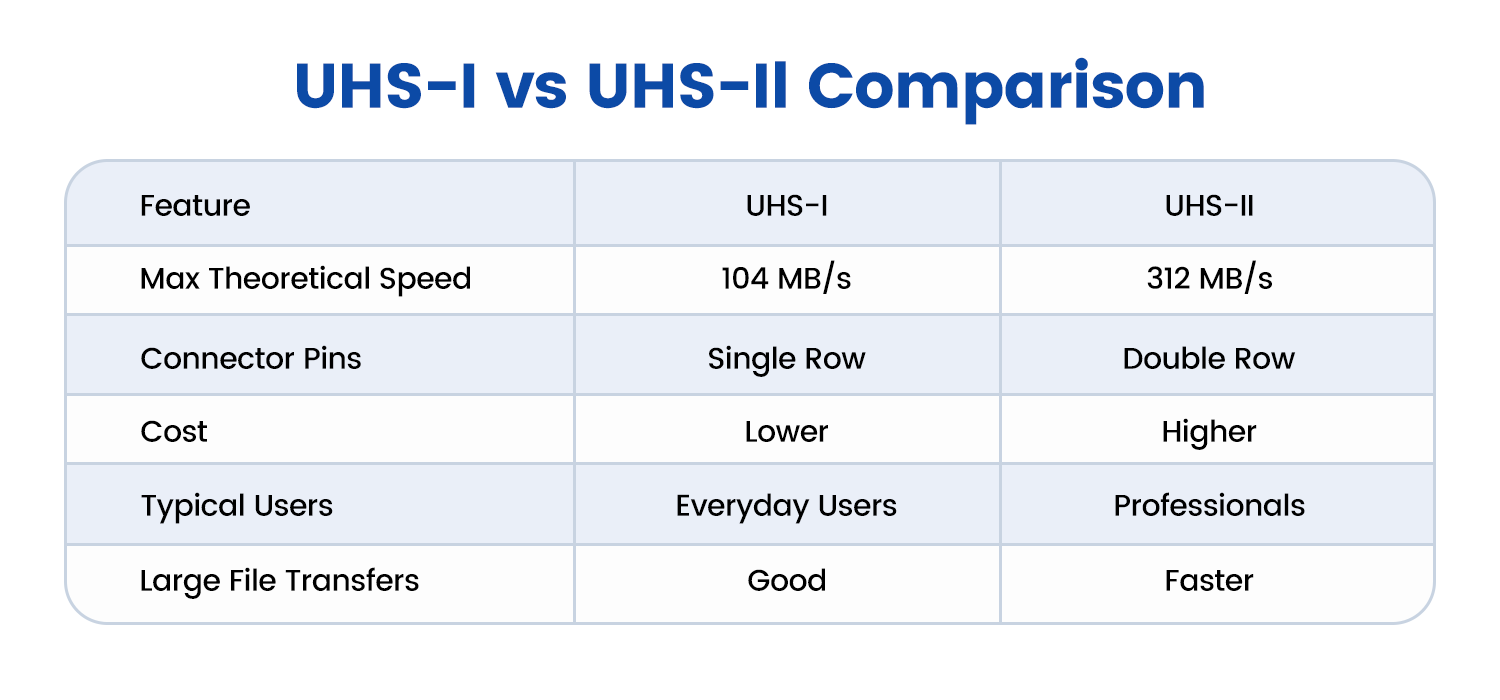
| Feature | UHS-I | UHS-II |
|---|---|---|
| Maximum Theoretical Speed | 104 MB/s | 312 MB/s |
| Connector Pins | Single Row | Dual Row |
| Cost | Lower | Higher |
| Typical Users | Everyday Users | Professionals |
| Large File Transfers | Good | Faster |
Although UHS-II offers higher performance, not every user needs the additional speed.
Does UHS-II Improve Camera Performance?
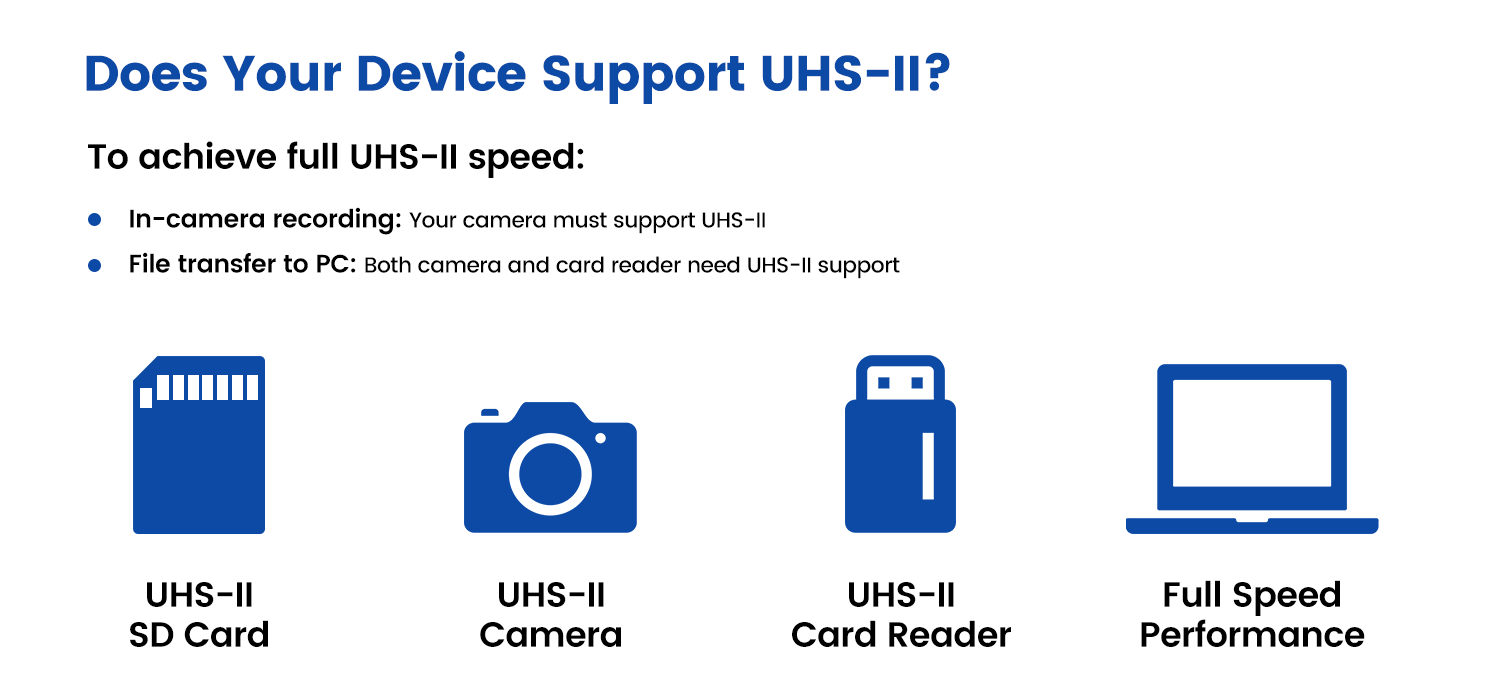
The answer depends on the camera.
A UHS-II card only delivers its full potential when both the camera and the card reader support UHS-II.
If a camera only supports UHS-I:
- A UHS-II card will still work.
- Transfer speeds will be limited to UHS-I performance.
For this reason, it is always worth checking your camera's specifications before upgrading.
What About Card Readers?
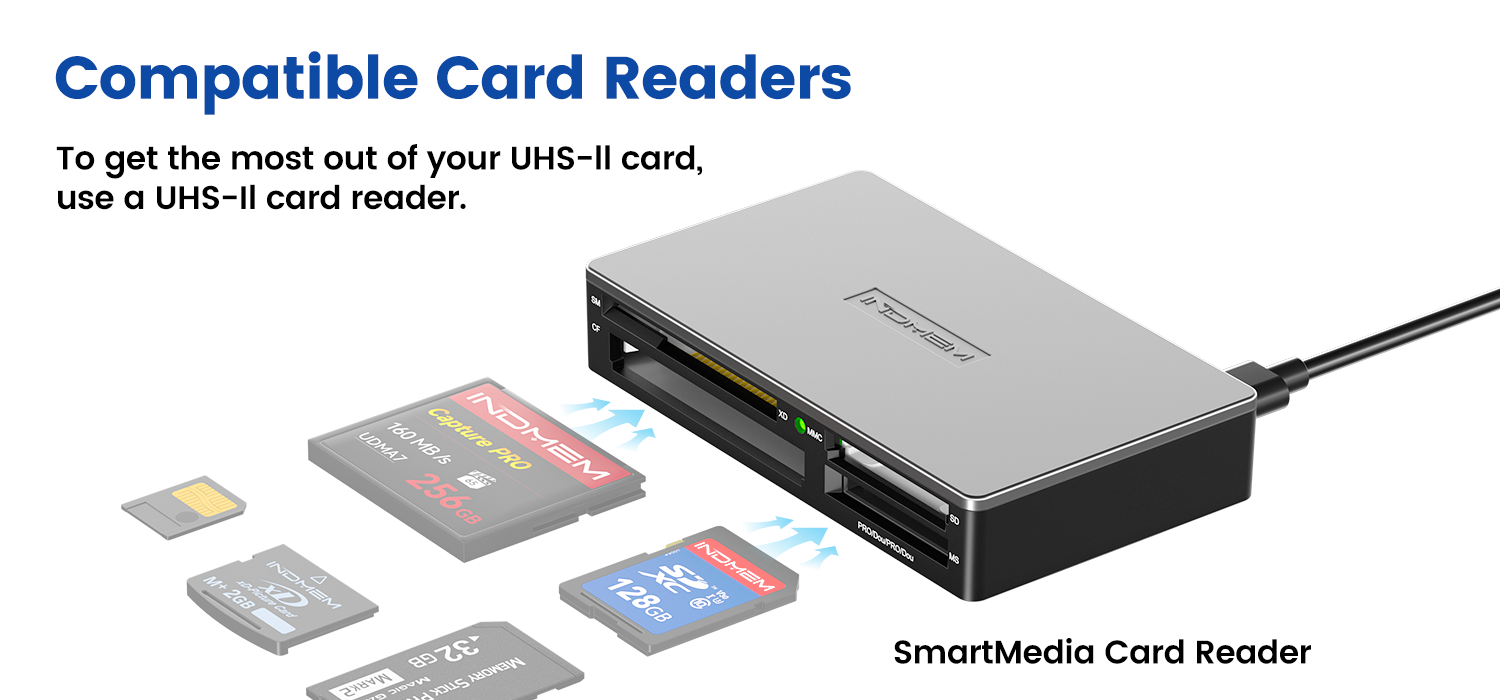
Many users focus on the memory card itself but overlook the card reader.
Even if you use a UHS-II card, transferring files through a UHS-I card reader may limit performance.
For photographers and content creators who regularly move large files, pairing a UHS-II card with a compatible UHS-II card reader can significantly reduce transfer times.
Which One Should You Choose?
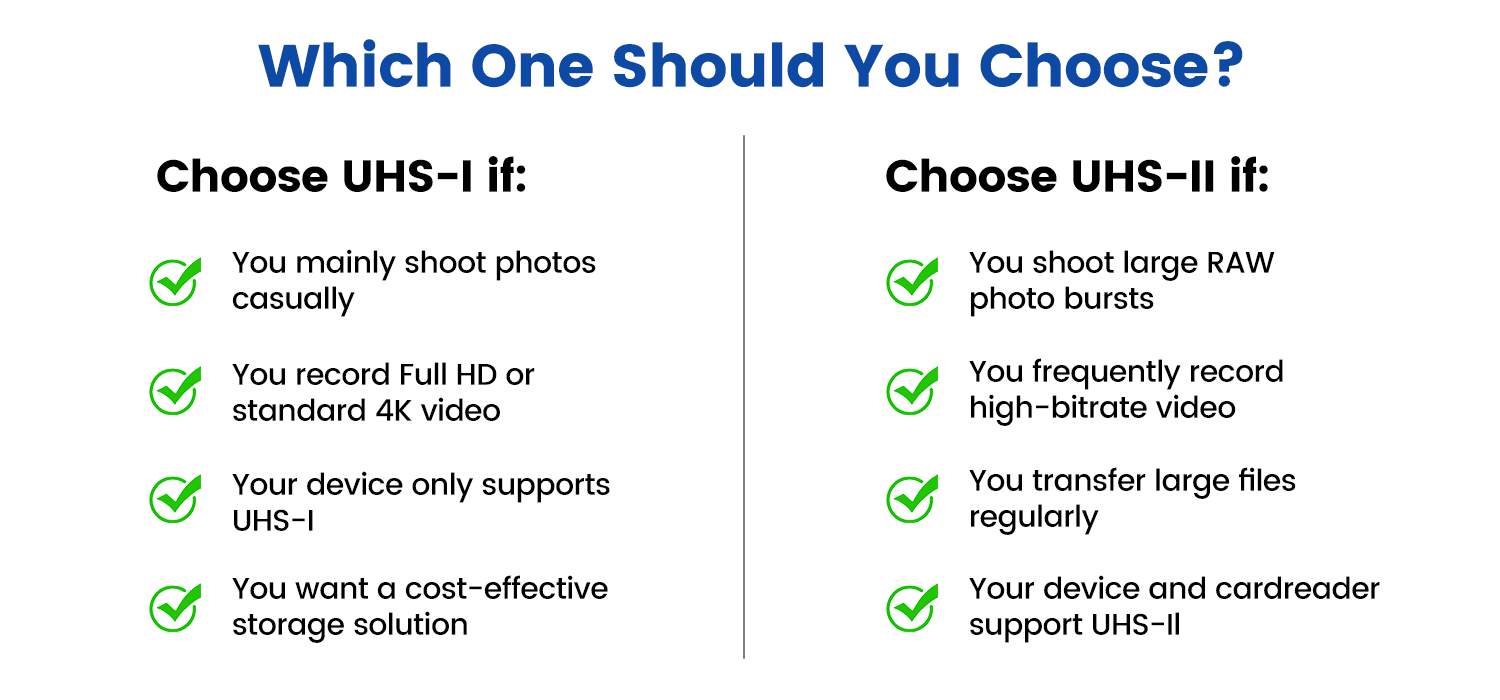
UHS-I May Be Right For You If:
- You mainly shoot photos casually
- You record Full HD or standard 4K video
- Your device only supports UHS-I
- You want a cost-effective storage solution
UHS-II May Be Worth Considering If:
- You shoot large RAW photo bursts
- You frequently record high-bitrate video
- You regularly transfer large files
- Your camera and card reader support UHS-II
Choosing the right card depends on your equipment and workflow rather than simply selecting the fastest option available.
Explore INDMEM Storage Solutions
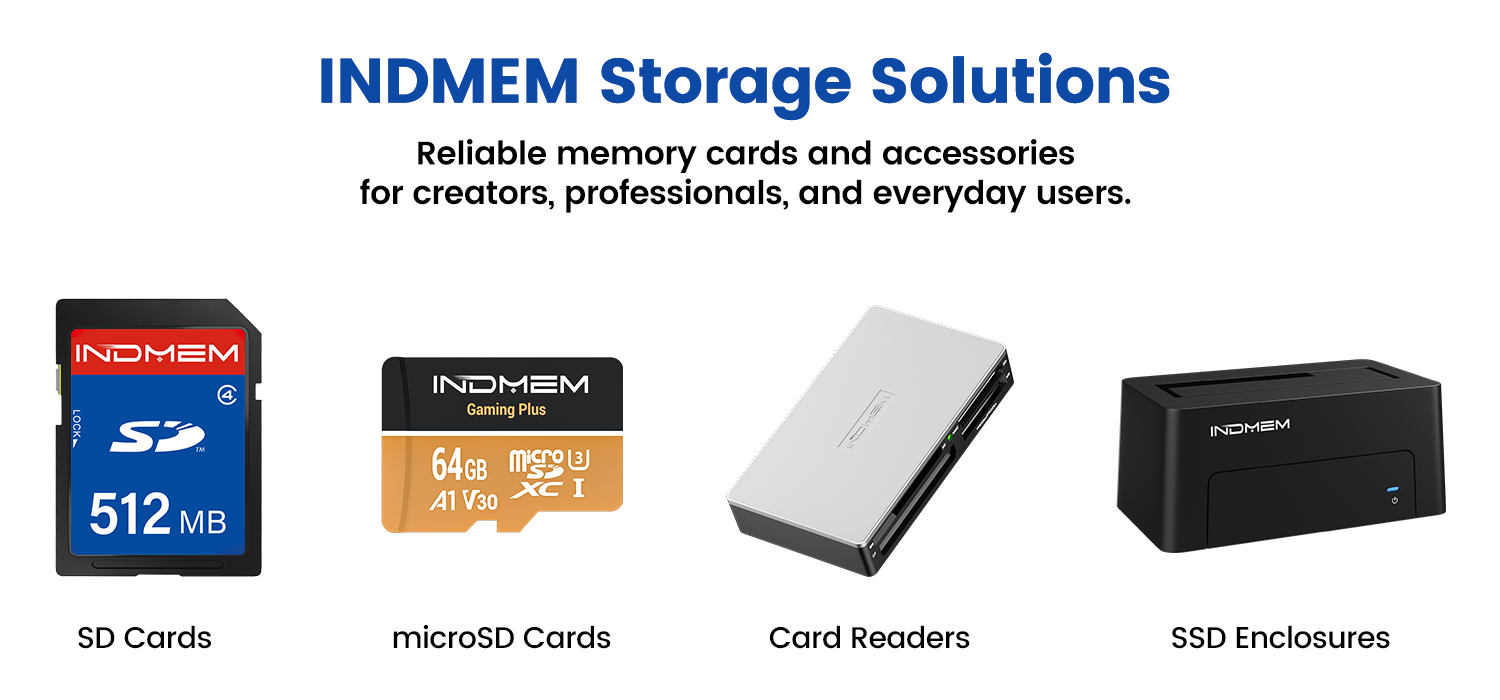
INDMEM offers a range of memory cards and storage accessories designed for photographers, creators, gamers, and everyday users.
Our product lineup includes:
- SD Cards
- microSD Cards
- Card Readers
- SSD Enclosures
- Portable Storage Accessories
Whether you're upgrading your camera setup or looking for reliable everyday storage, understanding the differences between UHS-I and UHS-II can help you make a more informed decision.
 Send Email
 JCcms
JCcms JCcms
JCcms